
Quick start
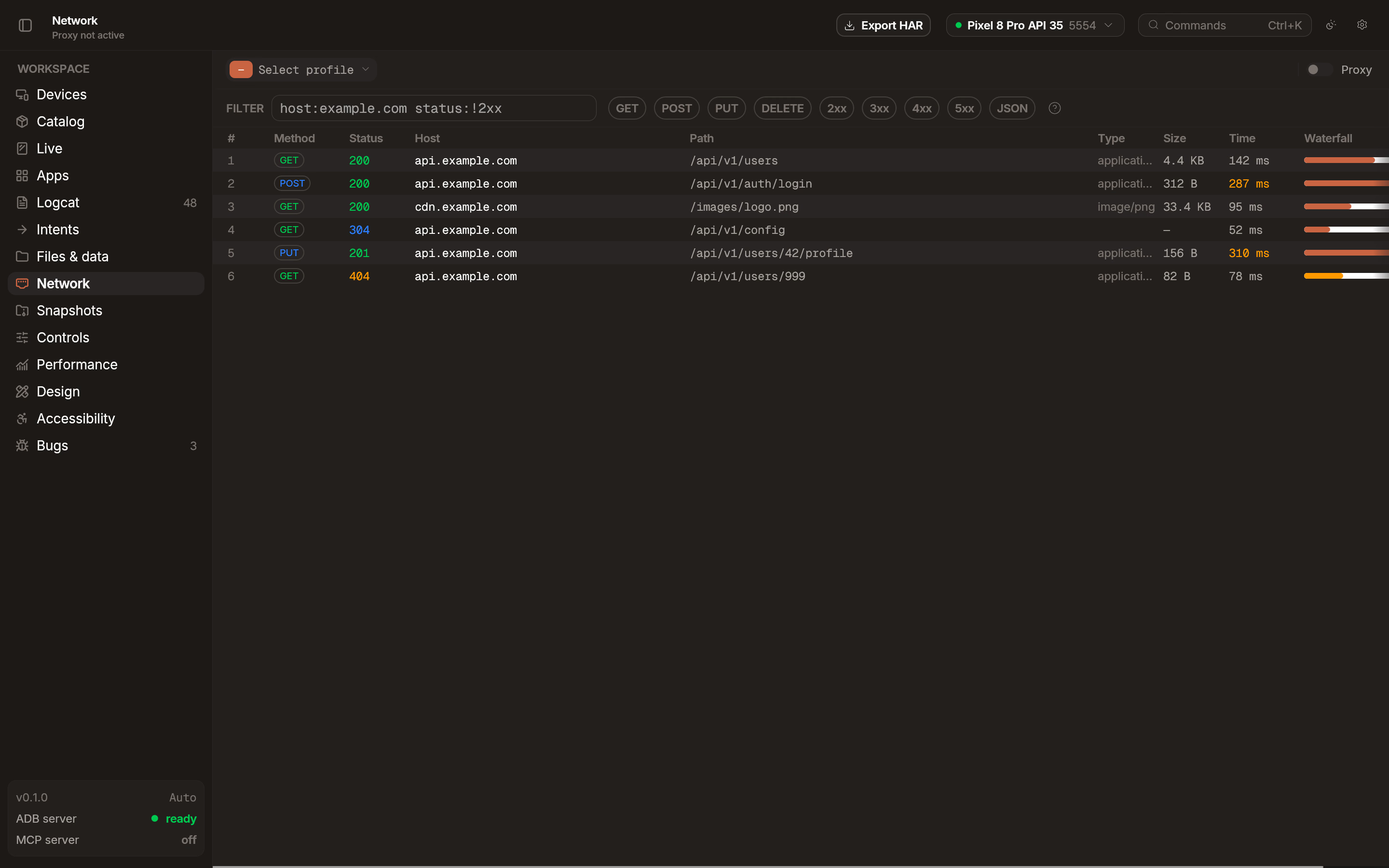
Section titled “Quick start”- Open the Network tab in the workspace.
- Click Enable to start the built-in proxy.
- Traffic from your device begins appearing in the request list.
How it works
Section titled “How it works”When you start the proxy, Emu injects a TLS certificate into the device’s trust store via adb root and routes traffic through a local MITM proxy. This allows Emu to intercept and decrypt HTTPS traffic without external tools or manual certificate setup.
Request details
Section titled “Request details”Click any request in the list to inspect it.
- Headers: Request and response headers.
- Body: Raw or formatted request and response bodies.
- Timing: Connection, request, and response latency.
- Payload decoding: Protobuf and gRPC payloads are decoded automatically.
Copy as cURL
Section titled “Copy as cURL”Right-click any request and select Copy as cURL to generate a command you can run in your terminal.
HAR export
Section titled “HAR export”Export captured traffic as HTTP Archive (HAR) files for sharing or analysis in external tools.
Network throttling
Section titled “Network throttling”Apply network profiles to simulate different connectivity conditions. Available for emulators only.
- Profiles: 2G, 3G, LTE.
- Custom: Define specific bandwidth and latency parameters.
Troubleshooting
Section titled “Troubleshooting”No traffic appearing
Section titled “No traffic appearing”- Verify the proxy is started (the Enable button in the Network tab).
- The device must be a rooted emulator (
userdebug/eng). Play Store system images and non-rooted physical devices cannot have the proxy certificate injected.