
Quick start
Section titled “Quick start”- Enable the replay buffer recording mode in the toolbar (the default mode is quality recording, which captures continuous video instead of a rolling buffer).
- Reproduce the bug on the connected device.
- Click the Capture Bug button in the toolbar.
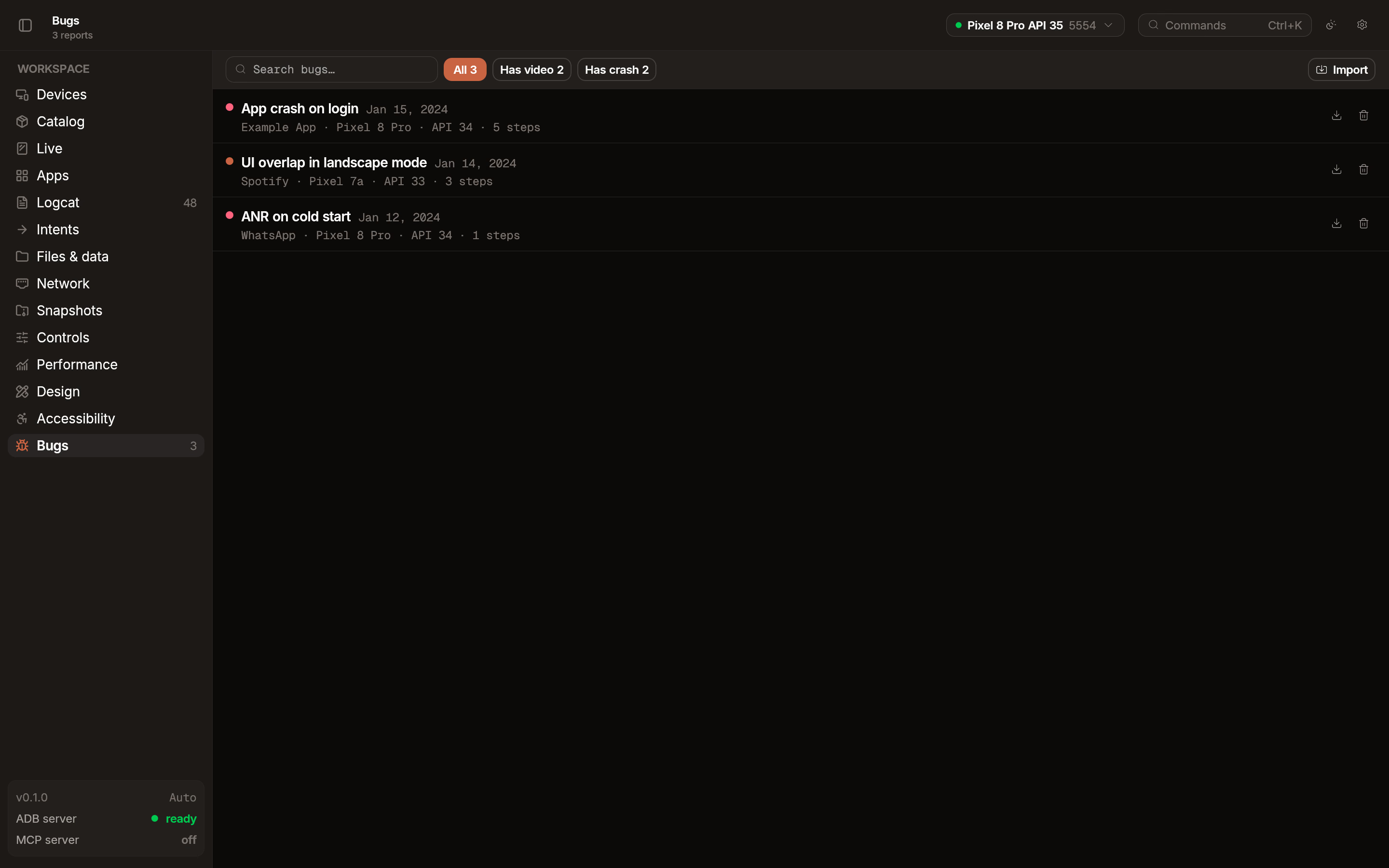
Emu saves the captured artifacts (video, inputs, logs) into a local bug report. You can then export it as a single .emubug file from the bug detail view.
What’s captured
Section titled “What’s captured”- Screen recording: Video of the device display from the replay buffer.
- Touch actions: A timeline of user interactions with accessibility labels.
- Logcat: System logs for the duration of the capture.
- Crash stack traces: Included if the app crashed during the recording.
Configurable buffer
Section titled “Configurable buffer”Adjust the replay buffer settings in Settings.
- Duration: 15 seconds to 5 minutes.
- Resolution: 480p, 720p, or 1080p. Lower resolutions use less memory and produce smaller exports.
Export and sharing
Section titled “Export and sharing”From the bug detail view, export the report as a single .emubug file. Share it with a teammate — when they open it in Emu, they see the video, touch timeline, and logs without needing to reproduce the bug.
Video playback
Section titled “Video playback”Open a bug report in Emu to scrub through the recording. The interaction timeline is synced to the video so you can see which touch action corresponds to each frame.